Email marketing for pubs and restaurants: what to send and how often
What to send, how often, subject lines, phone-friendly design and honest measurement for UK pub and restaurant email marketing, with real benchmark figures.

In short
- Email works for venues because you own the list, so no platform decides which of your customers sees the message.
- One useful email a month is a sensible baseline, fortnightly when there's real news, plus automatic welcome and birthday emails.
- The best subject lines say exactly what's inside, with the date, the dish or the price in the first few words.
- Design every email for a phone: one column, short paragraphs, real text and one big booking button.
- Judge emails on clicks and bookings, because Apple Mail Privacy Protection makes open rates look higher than they are.
Email marketing for restaurants and pubs earns its keep because the list is yours, and no algorithm decides who sees it. Send one useful email a month as a baseline, fortnightly when there's genuine news, plus a couple of automatic ones (a welcome, a birthday). Keep each one short, built for a phone and focused on one thing to book. Then judge it on clicks and bookings.
Why does email still matter for a venue?
Because you own it. Your Instagram followers belong to Instagram in every way that counts: if the platform changes what it shows people, or your account gets locked, the audience you built goes with it. An email list is a file of people who asked to hear from you, and the email lands in their inbox whether or not a feed decides it's interesting today.
Email also suits the things social media is bad at. Think of a Christmas menu with three courses, prices, a deposit policy and a booking link, or a ticketed tasting night, or private hire. They need a bit of reading and a decision, and an email can carry all of it without anyone squinting at a caption.
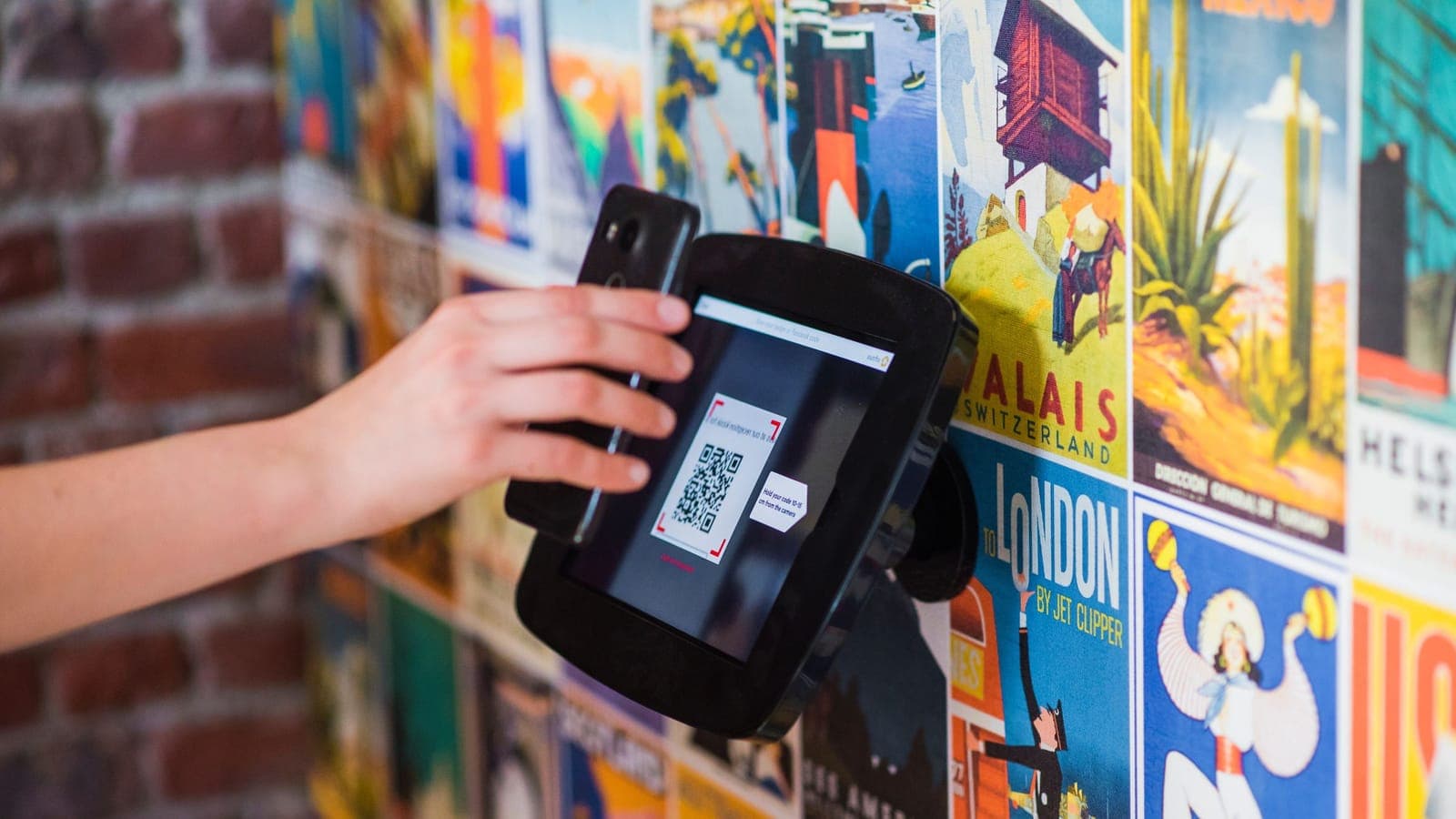
And the people on your list are, mostly, people who've already been in. That's a warmer crowd than anyone scrolling past your posts. If you're starting from zero, our guide to building a restaurant email list covers booking forms, guest Wi-Fi and QR codes, and the GDPR and PECR guide covers what you're allowed to send and to whom. Get that bit right first, because everything below assumes a list of people who agreed to hear from you.
What should a restaurant or pub email its customers?
Most venues only need four kinds of email: a regular round-up, single event or offer emails, a handful of automatic ones, and seasonal booking pushes.
The emails worth sending
| When it goes out | Example subject line | |
|---|---|---|
| Welcome | Straight after someone signs up | Welcome in: here's what's on this month |
| Monthly round-up | Same day each month | November at The Wren & Anvil: quiz, roasts, live jazz |
| Single event or offer | One to two weeks before the date | Burns Night supper, Mon 25 Jan, 3 courses £28 |
| Birthday | At the start of their birthday month | A birthday pudding on us this month |
| We miss you | A few months after their last booking | It's been a while. Sunday roast this weekend? |
| Seasonal booking push | Six to eight weeks before the date | Our Christmas menu is out: 3 courses for £34 |
The monthly round-up
This is your newsletter. What's on this month, anything new on the menu, one bit of news (a new chef, a refurb, the beer garden reopening). Keep it to three or four items. If you've got ten things to say, you've got two emails.
One event, one email
When something matters enough to fill the room (a Burns Night supper, a live band, a big match), give it its own email with the date, time, price and a booking button. One topic per email makes the decision easy for the reader, and it makes your results easy to read too, because every click was about the same thing.
The ones that run themselves
Set these up once in your email platform and leave them:
- A welcome email, sent the moment someone signs up, while they still remember doing it.
- A birthday email, if you ask for birthday month on the sign-up form (month is enough, nobody needs to give you their year).
- A "we haven't seen you for a while" email, if your booking system can tell your email platform when someone last booked.
Seasonal booking pushes
Christmas, Mother's Day, Valentine's Day, New Year's Eve. I'd put the most effort into these, because they sell set menus that book up weeks ahead. Our Christmas party bookings guide goes into timing for the big one, and there's a full year of subject lines in our email ideas for restaurants and pubs.
One thing to keep separate: booking confirmations and reminders. Those are service messages, and the ICO says that adding promotional content to a service message turns it into marketing (ICO). Keep the "book again for 10% off" line out of them.
How often should a restaurant send marketing emails?
Once a month at the very least, so people remember you exist. Fortnightly if you've genuinely got something new each time. Weekly only if your programme changes every week (a music venue with a different act each Friday, say), because a weekly email with nothing new in it trains people to ignore you, and some of them will unsubscribe on the way out.
The calendar does some of the work. I'd expect a pub to send more in October to December, when there's a Christmas menu, party bookings and New Year's Eve to sell, and less in a flat month like August unless there's a beer festival or a big tournament on. Our hospitality marketing calendar for 2027 lists the dates worth building around.
A couple of habits help:
- Pick a send day and stick to it. A round-up that always lands on the first Thursday of the month becomes something people half expect.
- Plan emails from the same calendar as your social posts. The events are the same; email just gets fewer of them, with more detail. (Venuesmith builds that kind of plan, up to six weeks at a time, for Instagram and Facebook; it doesn't send email.)
How do you know if you're overdoing it? Watch the unsubscribe rate on each send. MailerLite's benchmarks put the median for restaurants and cafes at 0.39% per campaign (MailerLite, data from December 2024 to November 2025). If yours sits well above that, send by send, the emails are too frequent, too samey, or going to people who never really wanted them.
How do you write subject lines people actually open?
Say exactly what's inside, and put the useful bit first. "October newsletter" tells the reader nothing. "Quiz night's back: Thursdays, 8pm, £50 jackpot" tells them what they'll get before they've tapped anything.
Subject lines: vague versus specific
Easy to ignore
- October newsletter
- Exciting news from us
- You won't want to miss this
- Big plans for the festive season
Gets opened
- Quiz night's back: Thursdays, 8pm, £50 jackpot
- New autumn menu: six dishes under £15
- Live jazz this Friday from 8pm, free entry
- Our Christmas menu is out: 3 courses for £34
What makes the right-hand column work:
- A specific thing: a dish, an event, a date, a price.
- The important words at the start, because phones cut long subject lines short.
- Plain language. If you wouldn't say it across the bar, don't put it in a subject line.
- The sender name doing some of the work. "The Wren & Anvil" or "Sam at The Wren & Anvil" is better than an unrecognisable address, because people decide whether to open based on who it's from as much as what it says.
Then write the preview text, which is the line that appears next to or under the subject line in most inboxes. Mailchimp's help page describes it as "the part of your email that appears next to the subject line in recipients' inboxes" and advises putting the most important details at the start, because most email clients limit how much of it they show (Mailchimp). Treat it as the second half of the subject line and write it yourself every time.
It's tempting to get clever with subject lines (puns, mystery, emoji). I'd do that sparingly. For a venue, clarity wins most of the time, because the reader wants to know whether it's worth their evening and a pun doesn't tell them.
How should a restaurant email look on a phone?
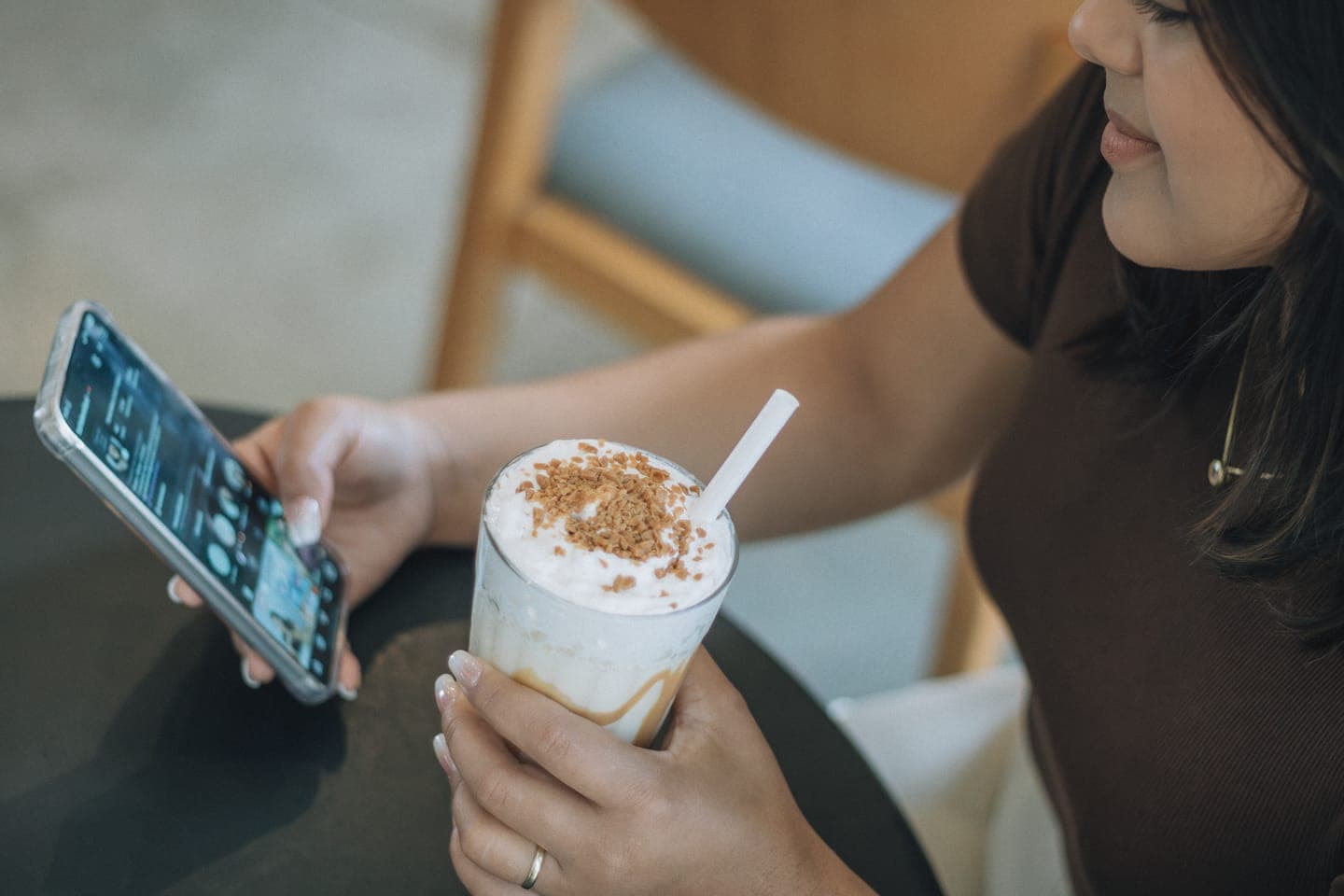
Like a short, readable page with one button. Litmus, which tracked over a billion email opens in July 2026, says mobile devices remain the main place people read email, and Apple and Gmail between them accounted for nearly 90% of the opens it saw (Litmus). Assume your email will be read on a phone, probably standing up.
Here's what works on a small screen:
- One column. Two columns squash into a mess on a phone.
- Short paragraphs, two or three sentences each, with a headline that says what the email is about.
- Real text for anything important. A single image of your poster looks fine on a desktop, but some email apps block images until the reader allows them (Litmus notes automatic image blocking skews its own data), and then your email is a blank box.
- One clear button for the main action, big enough for a thumb, saying what happens: "Book a table", "Get tickets", "See the menu".
- Alt text on every image, so the email still makes sense with pictures off.
- A footer with your address, why they're getting the email and a working unsubscribe link (which you need legally anyway).
Before you send, email it to yourself and open it on your own phone, ideally once in dark mode too. It takes two minutes and you'll catch the stretched photo or the button that's half off the screen.
Christmas at The Wren & Anvil
Our Christmas menu starts on Friday 27 November: three courses for £34, with a veggie and a vegan choice on every course.
Booking for eight or more? Send us your pre-order a week ahead and there'll be crackers on the table and a mulled wine each when you arrive.
Quiz night carries on every Thursday through December, with a Christmas special on the 17th.
Book a Christmas tableHow do you measure email marketing for restaurants?
Clicks and bookings tell you far more than opens. Open rates are unreliable because of Apple's Mail Privacy Protection (MPP): Apple says the feature "downloads remote content in the background by default", regardless of whether you engage with the email (Apple). Open tracking relies on that content loading, so a lot of emails sent to Apple Mail users register as opened whether anyone read them or not. MailerLite's own benchmark page warns that MPP marks emails to Apple Mail as opened and that real open rates are lower than they appear (MailerLite).
So use opens as a rough health check (a sudden drop can mean you're landing in spam) and judge everything else on what people did.
For context, MailerLite's 2025 benchmarks (drawn from over 3.6 million campaigns across all industries, sent between December 2024 and November 2025) show its "Restaurants and cafes" category with a median open rate of 44.32%, a click rate of 1.06% and an unsubscribe rate of 0.39%. That click figure looks small. On a list of 2,000 it's about 21 people clicking through to your booking page, which for a midweek event is a decent start.
To connect emails to bookings:
- Add UTM tags to the booking link. Google Analytics uses
utm_source,utm_mediumandutm_campaignto show which campaign sent each visitor (Google), so you can see bookings that started in an email. - For walk-in offers, use a word to mention at the bar ("say WREN for a free pudding") and count them.
- Compare covers on the nights you promoted with the same nights in the weeks before.
None of this has to be precise. You're looking for which emails got people through the door, so you can send more like them.
Permission and deliverability basics
You can only send marketing emails to people who've given consent or who fall under the soft opt-in, and every email needs your venue's name and a working unsubscribe link. The details, and how they apply to booking forms, Wi-Fi sign-ups and competitions, are in our GDPR and PECR guide.
Getting into the inbox is the other half. Gmail's sender guidelines require all senders to set up SPF or DKIM authentication for their sending domain and to keep spam rates reported in Postmaster Tools below 0.3% (Google). Anyone sending 5,000 or more messages a day to Gmail accounts also needs SPF, DKIM and DMARC, plus one-click unsubscribe for marketing messages. A single venue won't hit that volume, but your email platform should handle the setup either way, so ask them how to authenticate your domain before the first send.
And send from your own domain (hello@yourpub.co.uk), not a free Gmail or Hotmail address. It looks more trustworthy, and it's the address your platform can authenticate.
Frequently asked questions
What is a good open rate for restaurant emails?
MailerLite's 2025 benchmarks put the median open rate for restaurants and cafes at 44.32%, but that figure is inflated by Apple Mail Privacy Protection, which loads emails in the background and can register them as opened. Treat opens as a rough guide only. The click rate (a median of 1.06% for the same category) and the bookings you can trace back to each email are far better measures of whether it worked.
How long should a restaurant marketing email be?
Short enough to read on a phone in under a minute. For a single event or offer, a headline, two or three short paragraphs and one button is plenty. A monthly round-up can carry three or four items, each with a line or two and a link. If you find yourself writing a fifth section, split it into a second email and send it a week or two later.
What day should a pub send its emails?
There's no universal best day, so test it on your own list. My starting point would be to land a few days before people make their weekend plans, so a Tuesday to Thursday send for weekend bookings, then compare clicks across a few sends. Whatever you pick, keep it consistent so regulars get used to it.
Should I put prices in my restaurant emails?
Yes, for set menus, events and offers. A price answers the reader's first question, and it filters out people who'd never book, so the clicks you get are more likely to turn into bookings. "Three courses for £34" in the subject line or headline is clearer than "great value festive menu". For an everyday round-up, prices for the one or two headline items are enough.
Which email platform should a small restaurant use?
Any mainstream email platform will do for a single venue, so choose on practical features. Look for sign-up forms that record when and where each person joined, automatic welcome and birthday emails, an easy way to authenticate your domain, and ideally a link with your booking system. Mailchimp and MailerLite are two well-known examples; compare their current plans on their own sites.
Sources
- Email marketing benchmarks by industry and region, MailerLite, checked October 2026
- Mail Privacy Protection and privacy, Apple, checked October 2026
- Email client market share, Litmus, checked October 2026
- About preview text, Mailchimp, checked October 2026
- Email sender guidelines, Google, checked October 2026
- Collect campaign data with custom URLs, Google Analytics Help, checked October 2026
- Key concepts for direct marketing using electronic mail, ICO, checked October 2026