User-generated content for restaurants: repost customer photos properly
How UK restaurants and pubs can repost customer photos properly: asking permission, crediting, copyright, Instagram's terms, Collabs and a DM template.
In short
- In the UK the person who takes a photo is generally the first owner of its copyright, even when it's a photo of your food.
- Being tagged in a customer's post doesn't give you permission to repost it.
- Ask by direct message, say where you'll use the photo, credit the customer by handle, and screenshot their reply.
- Once you repost a customer's photo it counts as your marketing, so the advertising rules apply to it in full.
- If you reward people for posting about you, the CMA says those posts must be clearly labelled as ads.
To use user-generated content properly, ask the customer before you repost their photo, credit them by their handle, and keep a record of their yes. In the UK the person who took a photo generally owns the copyright, and Instagram's terms say you need the rights to anything you post. So being tagged in a lovely photo of your Sunday roast isn't the same as permission to share it.
Who owns a customer's photo of your food?
The customer does, in almost every case. The UK government's guidance says you get copyright automatically when you create original work, including photography, with no need to register or pay a fee. Copyright stops other people copying the work or putting it on the internet without permission, and for photos it usually lasts 70 years after the photographer's death.
The Intellectual Property Office's copyright notice on digital images spells it out. The person who creates an image is generally its first owner, and that includes photos taken on mobile phones. Your food being the subject doesn't give you any ownership of the photo. The notice also says:
- A photo with no © symbol or name on it is still protected.
- Deliberately removing metadata that identifies the copyright owner is unlawful.
There's one useful exception. The IPO says that if an image was made as part of someone's employment, the employer will generally own the copyright. So photos your staff take for your socials as part of their job are generally yours, while photos from a freelancer or a guest aren't, unless they agree otherwise.
What do Instagram's terms say about reposting?
Instagram's Terms of Use say it doesn't claim ownership of what people post. Users give Instagram itself a licence to host and show their content. Nothing in the terms hands other accounts, yours included, a right to repost it, and they also say: "You represent you own or have obtained all necessary rights to the content you post or share."
Instagram's help page on avoiding copyright problems is blunter still. It lists things that don't stop a post infringing someone's copyright, and two of them are exactly what venues tend to rely on: giving credit to the owner, and finding the content on the internet. It also says it's "generally a good idea to get written permission from the author of the work before posting content".
So a credit line on its own doesn't cover you. Lots of accounts repost with "credit to the owner" at the bottom, and Instagram's own guidance says that's not enough, so ask first.
How to ask a customer for permission
A short direct message does the job. Be specific about where you'll use the photo, offer credit, and make it easy for them to say no. Something like this:
Hi [name], thanks for coming in on Friday, and that's a cracking photo of the pie. Would you be happy for us to share it on our Instagram and Facebook? We'd credit you as @[handle] in the caption and tag you on the picture. No worries at all if you'd rather we didn't. If it's a yes, just reply here and that's all we need.
If you want to use the photo anywhere else, ask about that too, in the same message or a new one. Agreeing to a repost on Instagram isn't obviously agreeing to your website, a printed menu or a paid ad, and I'd treat each of those as a separate question.
When they say yes, screenshot the reply and save it in the same folder as the photo, with the date. It takes ten seconds and saves a lot of head-scratching if the question ever comes up a year later. Ask for the original file too if you can. A screenshot of their story is lower quality and often has their app's clutter on it.
From spotted to posted
- 01Spot itCheck your tagged posts and mentions a few times a week and save the ones you'd like to use.
- 02Check itWould it pass as your own ad? No drinking games, nobody who looks under 25 drinking, no strangers' faces.
- 03AskSend a direct message saying where you'll use it, offering credit and making it easy to say no.
- 04Record the yesScreenshot the reply and save it in the same folder as the photo, with the date.
- 05Post with creditTheir handle in the first line of the caption and a tag on the image. No heavy edits.
- 06Thank themComment or reply to say thanks. If they later ask you to remove it, take it down promptly.
How to credit a customer properly
Put their handle in the first line of the caption ("Photo: @handle" works) and tag them on the image itself. That way the credit shows whether someone reads the caption or taps the photo.
Then leave the photo alone as much as you can. Don't crop out a watermark or add a heavy filter, and ask before you put any text over their picture. The UK government's guidance notes that creators can have moral rights, including the right to be identified as the author and to object to changes made to their work. The IPO adds that if you're not sure whether the creator has asserted the right to be acknowledged, it's sensible to give a sufficient acknowledgement anyway, which is a good reason to credit by default.
Crediting a guest's photo
Weak
- Screenshot of their story with the watermark cropped off
- Heavy filter added to match your feed
- "Credit to the owner" at the bottom of the caption
- Nobody asked first
Proper
- The original file they sent you
- Their edit left as it was
- "Photo: @handle" in the first line, plus a tag on the image
- A dated screenshot of their yes, saved with the photo
Collabs, tags and mentions: which should you use?
Tags and Collabs do different jobs, and Instagram's help page on collaborative posts explains the difference clearly.
A tag or mention credits someone, but the post isn't shared with their followers. A Collab makes them a co-author: you invite their account, and if they accept, their username is added to the post, it's shared with their followers and it appears on their profile. You can add up to five collaborators, the person who created the post can remove a collaborator at any time, and the collaborator can remove themselves.
For a guest's photo, a tag is usually right. Collabs make more sense for content you've made together, such as a post with your brewery or your butcher, or a local creator's visit.
Tag, Collab or repost?
| Option | What it does | Best for |
|---|---|---|
| Tag or mention | Credits the account. The post isn't shared with their followers. | Crediting a guest whose photo you have permission to use |
| Collab invite | Makes them a co-author once they accept. The post shows on both profiles and to both sets of followers. | Posts made together with a supplier, a brewery or a local creator |
| Repost with permission | Their photo on your feed, with their handle in the caption and a tag on the image. | Great guest photos you want on your own grid |
Source: Instagram Help Centre, Create collaborative posts on Instagram, checked October 2026.
When user-generated content becomes your ad
Once you repost a customer's photo, the advertising rules treat it as yours. The ASA says user-generated content is subject to the CAP Code when a business "adopts and incorporates" it into its own marketing, for example by asking for content and posting it on its own channels. Resharing (the ASA's example is retweeting), commenting on or even liking a user's post can count too. And if the content is about alcohol, the alcohol rules apply.
For a pub or bar, that means checking a photo before you repost it as carefully as you'd check your own. Section 18 of the CAP Code says people shown drinking must neither be nor seem to be under 25 (rule 18.16), and alcohol marketing mustn't encourage excessive drinking or present drinking as a challenge. A guest's photo of a table of empty shot glasses might be a fun memory for them, but on your feed it's an ad.
Incentives need care too. The Competition and Markets Authority's guidance for brands says any incentive, including discounts and free products, counts as payment, and that promotional content resulting from your marketing should be clearly labelled as an ad. So "post a photo and tag us for a free dessert" looks like exactly the kind of incentive the guidance describes, which means those posts should carry an ad label and you'd be expected to check that they do. The CMA also says that concealed incentivised reviews became a banned practice under the law that came into force in April 2025 (the Digital Markets, Competition and Consumers Act 2024). Personally, I'd skip rewards for posts and just ask nicely after people have posted on their own.
One more check before reposting: who else is in the picture? A customer may be happy for their own face to be on your feed, but the people on the next table didn't agree to anything. I'd avoid reposting photos where other guests (and especially children) can be clearly identified.
Everything in this post about copyright, advertising rules and the CMA's guidance is general information, not legal advice.
How to get more guests posting in the first place
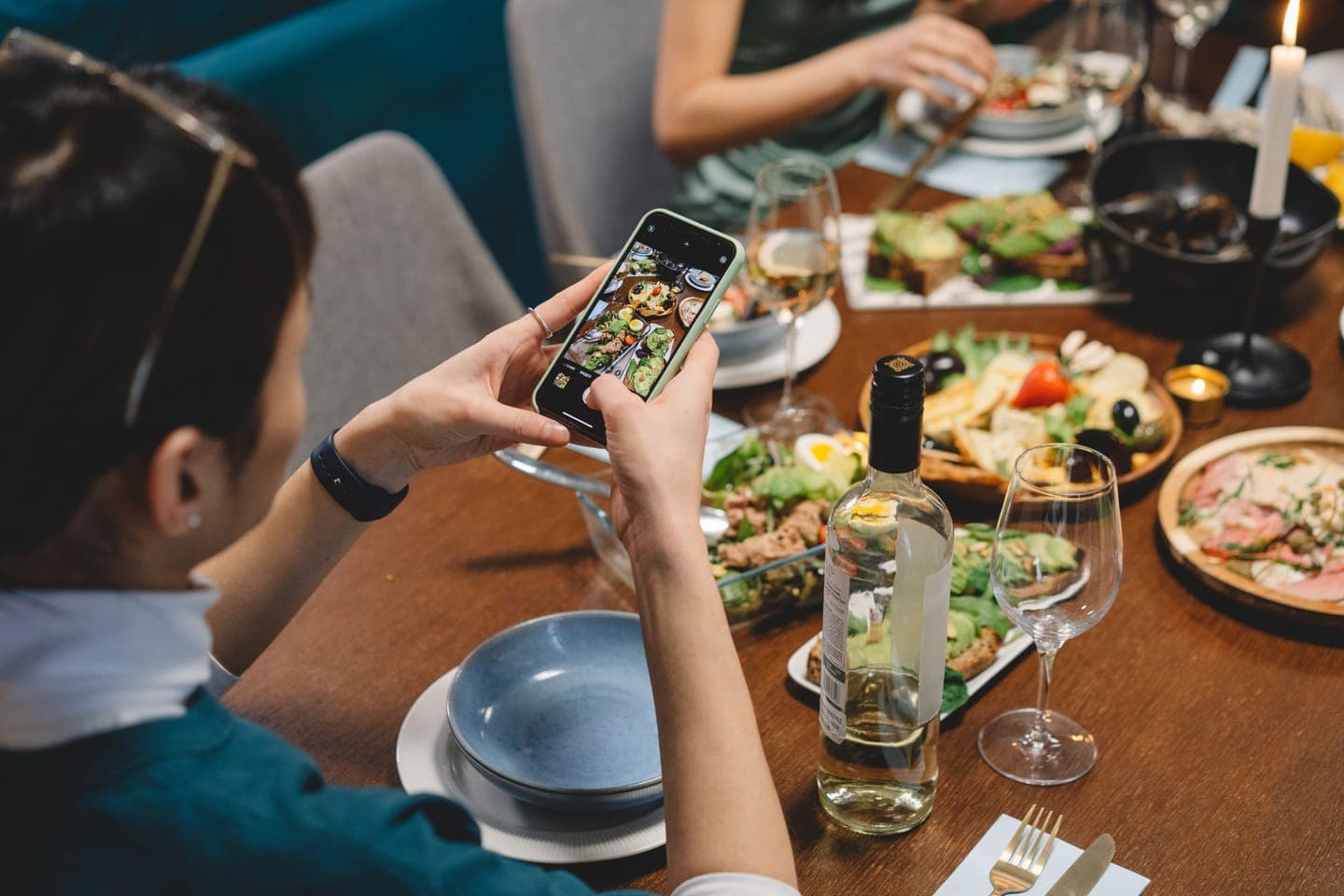
People post what looks good and what's easy to tag. A few things help:
- Make the handle easy to find. Put it on menus, table cards and the bottom of the receipt.
- Give a couple of tables good light. The window seats will get photographed more than the dark corner, so that's where the photogenic dishes should land.
- Plate one or two dishes with the camera in mind. The guide to food photography on your phone has the plating tips.
- Check your tagged posts and mentions a few times a week, and comment to say thanks on the ones you'd happily stand behind (remember the ASA point above about comments and likes). People notice when a venue replies.
- Treat reviews as user-generated content too, and reply to them; there's a guide on how to respond to restaurant reviews.
When you do repost, write a proper caption around it, with the dish, the day and how to book, in your own Instagram caption style. A guest's photo with nothing but "Thanks @handle!" under it wastes a good post. And keep posting your own photos alongside guests' ones; reposts work best as part of a wider social media plan, filling the gaps between your own shoots.
Frequently asked questions
Can I repost a customer's photo if they tagged my restaurant?
Not without asking. A tag credits you in their post, but it doesn't hand you their copyright. In the UK the person who takes a photo is generally its first owner, and Instagram's terms say you must own or have the rights to anything you post. Send a short direct message asking to share it, offer credit, and keep a screenshot of their reply.
Does a reply in a DM count as written permission?
Instagram's copyright guidance recommends getting written permission before posting someone else's content, and a clear yes in a direct message gives you a written record. Make sure your message says exactly where you'll use the photo, so the yes covers it. Screenshot the reply and save it with the photo and the date. For bigger uses, such as paid ads or print, a short email confirming the details is tidier.
Can I use a customer's photo in a paid ad or on my website?
Only if they've agreed to that specific use. Permission to repost on Instagram doesn't obviously stretch to a paid ad, your website or a printed menu, so ask about each one. For ads and print, I'd also ask for the original file and confirm the agreement by email. Remember the ad itself must follow the CAP Code, including the alcohol rules if drink is in shot.
What should I do if a customer asks me to take their photo down?
Take it down promptly and thank them, even if they agreed earlier. Arguing over a single photo isn't worth the goodwill it costs. If you're using the photo anywhere else, such as your website, remove it there too. Then note in your permissions folder that the photo is no longer cleared, so nobody on the team uses it again by mistake.
Who owns the photos my staff take for our Instagram?
Generally the venue does, if taking photos is part of their job. The Intellectual Property Office says that when an image is created as part of the creator's employment, the employer will generally own the copyright. Freelance photographers usually keep the copyright unless they assign it to you in a signed document, so check what your agreement with them says before reusing their photos widely.
Sources
- How copyright protects your work, GOV.UK, checked October 2026
- How long copyright lasts, GOV.UK, checked October 2026
- License and sell your copyright, GOV.UK, checked October 2026
- Copyright notice: digital images, photographs and the internet, Intellectual Property Office, checked October 2026
- Terms of Use, Instagram Help Centre, checked October 2026
- How to make sure that content you post doesn't violate copyright law, Instagram Help Centre, checked October 2026
- Create collaborative posts on Instagram, Instagram Help Centre, checked October 2026
- (User generated) Content is king, ASA and CAP, checked October 2026
- CAP Code section 18: Alcohol, ASA and CAP, checked October 2026
- Social media endorsements: guidance for brands, Competition and Markets Authority, checked October 2026
- Reviews and social media endorsements: what businesses and content creators must know, Competition and Markets Authority, checked October 2026